Best Seller Icon Bestseller

Advanced Diploma IN COMPUTER APPLICATION(M-CA-2850)

  • Last updated Jun, 2026
  • Certified Course
₹7,500 ₹10,000

Course Includes

  • Duration15 Months
  • Enrolled9
  • Lectures180
  • Videos0
  • Notes4
  • CertificateYes

What you'll learn

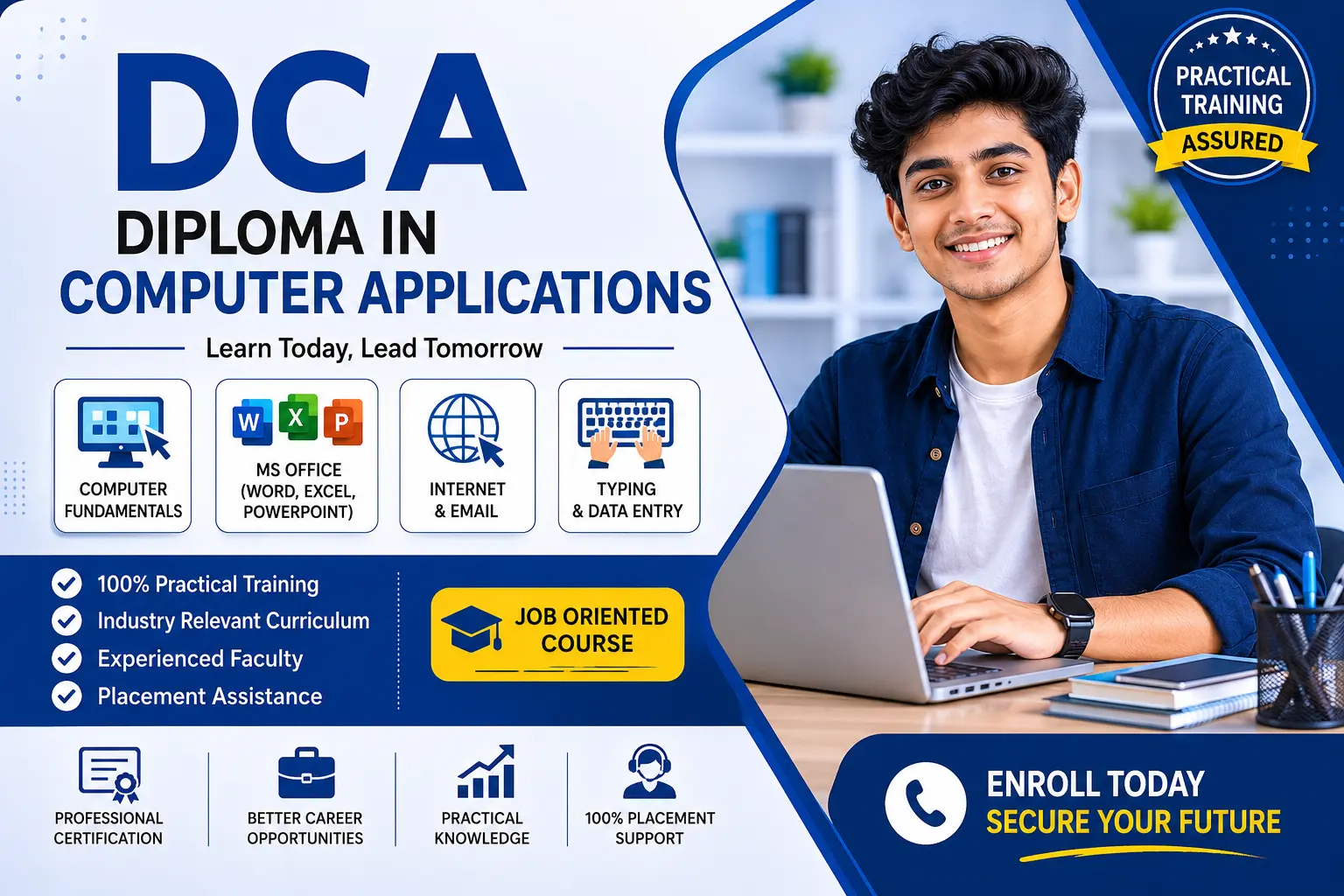
Advanced Diploma in Computer Applications (ADCA) एक Professional एवं Job-Oriented Computer Course है, जिसमें छात्रों को Basic से लेकर Advanced Level तक Practical Computer Training दी जाती है। यह Course पूरी तरह Practical Based है, जिससे विद्यार्थी Digital World में मजबूत बन सकें और आसानी से Job या Self Employment प्राप्त कर सकें।

इस Course में Computer Fundamentals, MS Office, Advanced Excel, Hindi & English Typing, Internet & Email, Graphic Designing, Adobe Photoshop, CorelDRAW, TallyPrime with GST, MR Photo, Software Installation तथा Live Practical Training शामिल हैं।

Lakshya Computer Institute में Experienced Faculty द्वारा Latest Software एवं Updated Syllabus के अनुसार Training दी जाती है। Course पूर्ण होने के बाद छात्रों को Certificate प्रदान किया जाता है तथा उन्हें Professional एवं Career Growth के लिए तैयार किया जाता है।

🌟 Course Highlights

✔ 100% Practical Training

✔ Experienced & Supportive Faculty

✔ Latest Software & Updated Syllabus

✔ Job-Oriented Course Structure

✔ Certificate After Completion

🎯 Why Choose Us?

Lakshya Computer Institute में आपको सिर्फ Computer Skills ही नहीं, बल्कि Professional Growth का पूरा मार्गदर्शन दिया जाता है। यहाँ की Training आपको Job Ready बनाती है और आपके Career को नई दिशा देती है।

Show More

Course Syllabus

Advanced Diploma in Computer Applications (ADCA)

Course Details

  • Course Name: Advanced Diploma in Computer Applications (ADCA)
  • Course Duration: 15 Months
  • Eligibility: 10th / 12th Pass
  • Mode: Practical

Full Syllabus

Module 1: Computer Fundamentals

  • Introduction to Computer
  • History & Generations of Computer
  • Types of Computers
  • Hardware & Software
  • Input & Output Devices
  • CPU, RAM, ROM
  • Memory & Storage Devices
  • Operating System Basics
  • Computer Languages
  • Booting Process
  • Virus & Antivirus
  • Basic Troubleshooting

Module 2: Typing & Office Automation

English & Hindi Typing

  • Keyboard Practice
  • Typing Speed Improvement
  • Unicode Typing

Microsoft Word

  • Document Creation
  • Formatting
  • Tables
  • Page Setup
  • Mail Merge
  • Printing

Microsoft Excel

  • Workbook & Worksheet
  • Formula & Functions
  • Charts
  • Data Filter & Sort
  • Printing
  • Advanced Formulas & Functions
  • VLOOKUP, HLOOKUP, XLOOKUP
  • IF, Nested IF, Logical Functions
  • Pivot Table & Pivot Chart
  • Conditional Formatting
  • Data Validation
  • Dashboard Basics
  • MIS Report
  • Macros & Automation
  • Data Analysis Tools

Microsoft PowerPoint

  • Slide Creation
  • Animation & Transition
  • Presentation Design

Module 3: Disk Operating System (DOS)

  • Introduction to DOS
  • Internal Commands
  • External Commands
  • File Management
  • Directory Commands
  • Batch File Basics
  • Command Prompt Practice

Module 4: Mr. Photo

Mr. Photo

  • Photo Editing Basics
  • Crop & Resize
  • Background Change
  • Color Adjustment
  • Passport Size Photo
  • Photo Frame Design
  • Album Design Basics

Module 5: Kundali Software (Basic Use)

  • Introduction to Kundali Software
  • Horoscope Creation
  • Birth Chart Entry
  • Match Making
  • Print Kundali Report
  • Basic Astrology Features

Module 6: Graphic Designing

CorelDRAW

  • Introduction to CorelDRAW
  • Logo Design
  • Visiting Card Design
  • Banner Design
  • Flex Design
  • Brochure Design

Adobe Photoshop

  • Tools & Workspace
  • Layer Management
  • Background Remove
  • Poster Design
  • Social Media Graphics
  • Image Effects

Module 7: Internet & Digital Skills

  • Internet Basics
  • Web Browsing
  • Search Engine Use
  • Email Creation & Management
  • Online Forms
  • Cloud Storage
  • Google Services
  • Social Media Basics
  • Digital Payment Methods
  • Cyber Security Awareness

Module 8: Accounting Software

TallyPrime

  • Introduction to Accounting
  • Company Creation
  • Ledger Creation
  • Voucher Entry
  • GST Basics
  • Invoice Creation
  • Inventory Management
  • Payroll Basics
  • Balance Sheet
  • Reports Generation

Module 9: Software Installation

  • Windows Installation
  • Computer Formatting
  • Disk Partition
  • Driver Installation
  • Software Installation
  • System Update
  • Antivirus Installation
  • Backup & Restore
  • Basic Hardware Checking

Module 10: Project Work

  • MS Office Project
  • Advanced Excel Project
  • Graphic Design Project
  • Accounting Project
  • Internet Research Project
  • Final Practical Project
  • Viva & Presentation

Course Outcome

After completion of ADCA course, students can work in:

  • Office Administration
  • Data Entry Operator
  • Computer Operator
  • Graphic Designing
  • Accounting Work
  • Internet & Online Services
  • Computer Hardware & Software Support
  • MIS Executive
  • Back Office Executive
  • Freelancing Work

Software Covered

  • Microsoft Excel
  • Microsoft Word
  • Microsoft PowerPoint
  • TallyPrime
  • Adobe Photoshop
  • CorelDRAW


Course Fees

Course Fees
:
₹10000/-
Discounted Fees
:
₹ 7500/-
Course Duration
:
15 Months

Review

5.0
Course Rating (1 review)
100%
0%
0%
0%
0%


Call
Text Message
Review
Email
CHAT